
Supporting family and friends back home is a top priority for the Pakistani diaspora living abroad. However, traditional remittance methods can often be plagued by slow processing times, high transfer fees, and hidden exchange rate markups. If you are looking for a fast, affordable, and stress-free alternative, the Taptap Send mobile application is an excellent option.
The direct and short answer is that you can easily send money to Pakistan with Taptap Send by downloading their app, selecting Pakistan as your destination, choosing a delivery method (such as an e-wallet like Easypaisa or JazzCash, a bank transfer, or cash pickup), and entering your recipient’s details. Most transfers are highly secure, come with low transparent fees, and arrive in Pakistan in under three minutes.
Why Choose Taptap Send for Remittances to Pakistan?
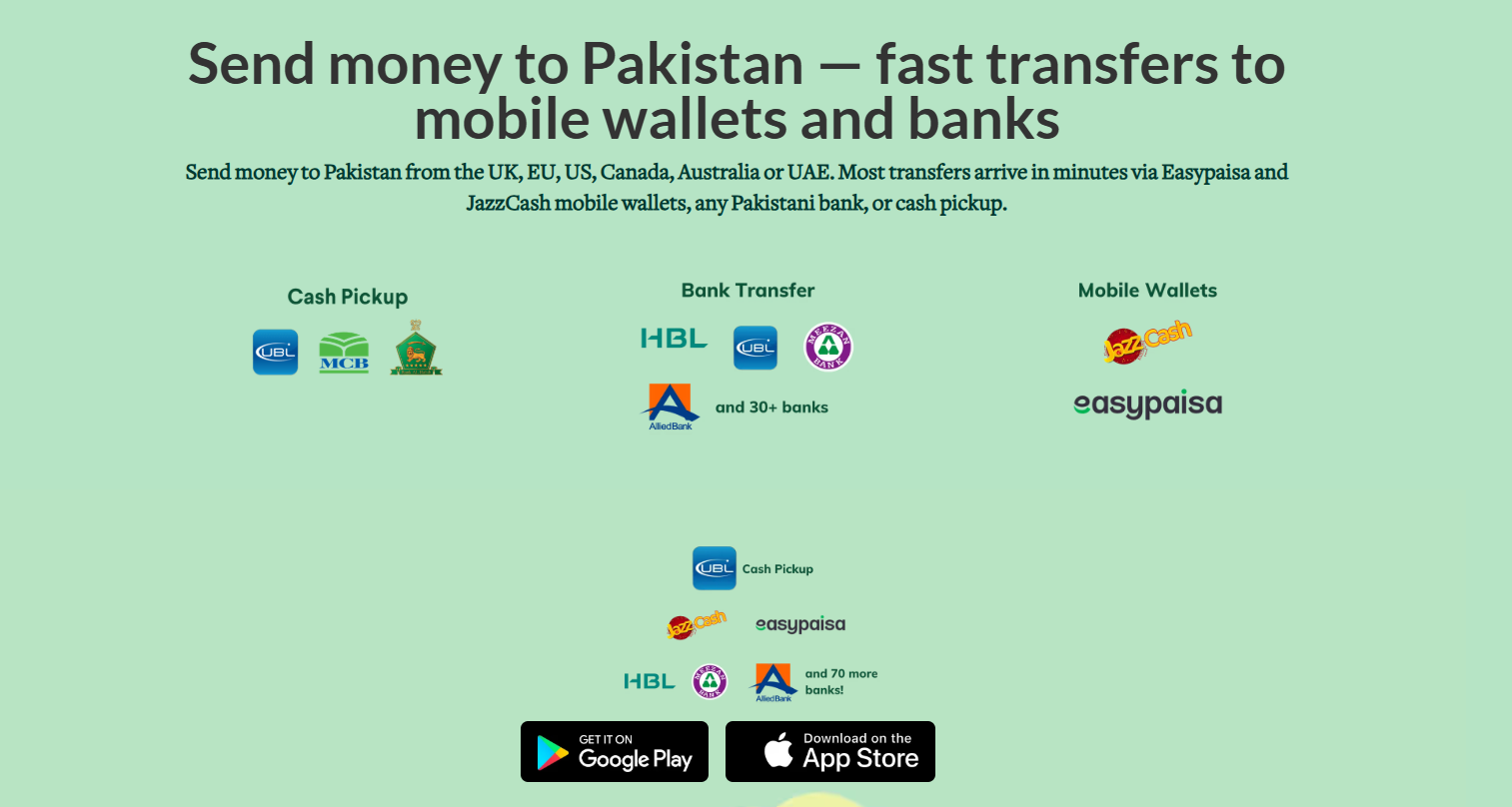
Image Credit: Taptapsend.com
Taptap Send has quickly gained popularity among overseas Pakistanis because it is built with diaspora communities in mind. Instead of navigating confusing web portals, the entire process is handled directly through an intuitive smartphone application.
1. Unmatched Speed
One of the biggest advantages of using this platform is speed. According to internal data from the company, 95% of global transfers to Pakistan are delivered in under 3 minutes. Whether you are sending money on a weekday, late at night, or over a public holiday, your funds will arrive almost instantly.

2. Low Fees and Great Exchange Rates
Traditional wiring services often take a heavy cut of your hard-earned money. Taptap Send minimizes these costs by offering highly competitive exchange rates and a transparent fee structure. Unlike other services that hide costs, the exact amount your recipient will receive in Pakistani Rupees (PKR) is displayed upfront before you tap “Send.”
3. Tailored for the Community
Taptap Send is known for being a community-focused business. From sponsoring community iftars at local masjids to supporting local charities and hiring Pakistani diaspora members for their customer support teams, the company actively reinvests in the community it serves.
4. Supported Regions and Payout Methods
Before initiating your first transfer, it is helpful to know where you can send from and how your loved ones can receive the money in Pakistan.
5. Sending Locations
You can use Taptap Send to transfer funds to Pakistan if you currently reside in any of the following regions:
- United States (US)
- United Kingdom (UK)
- Canada
- Australia
- United Arab Emirates (UAE)
- Various Countries across the European Union (EU)
6. Payout Options in Pakistan
Taptap Send integrates directly with the financial tools that people in Pakistan use every day. Your recipient does not need a Taptap Send account; they just receive the funds through:
Mobile Wallets: Instant transfers directly into popular digital wallets like Easypaisa and JazzCash.
Bank Transfers: Funds can be sent to any major Pakistani bank account, including HBL, UBL, Meezan Bank, and others.
Cash Pickup: For recipients who prefer physical cash, options are available to claim the money in person at designated payout locations.
Step-by-Step Guide: Sending Your First Transfer
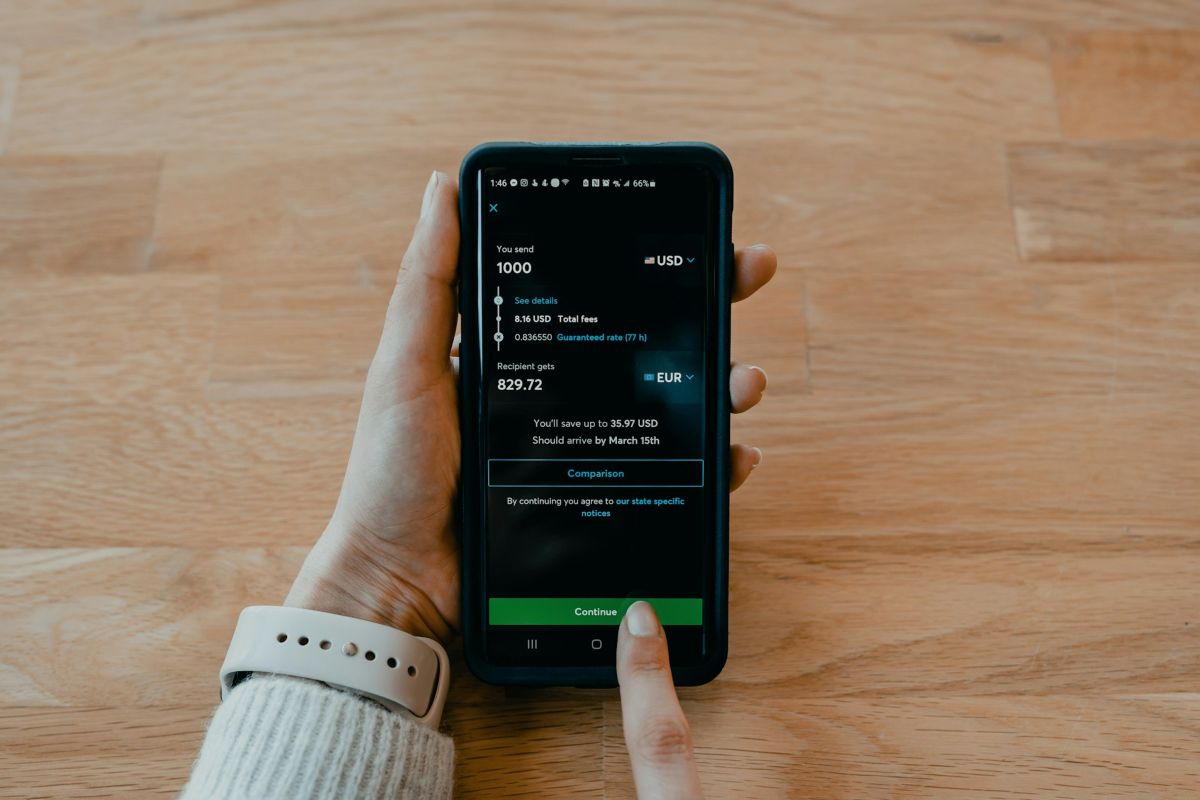
Ready to send money home? Follow these quick and simple steps to complete your transaction in minutes.
Step 1: Download the App and Sign Up
First, download the Taptap Send app from the Apple App Store or Google Play Store. Open the app and create your account by entering your legal name, email address, phone number, and a secure password. You will receive a verification code via text message to secure your profile.
Step 2: Choose Your Destination and Amount
Once your account is set up, select Pakistan from the list of destination countries. Enter the amount of money you want to send in your local currency (e.g., USD, GBP, or CAD). The app will instantly display the exact amount your recipient will get in PKR, alongside the exchange rate and any applicable minor fees.
Step 3: Enter the Recipient’s Details
Choose how you want the money delivered (Mobile Wallet, Bank Transfer, or Cash Pickup). Next, type in your recipient’s information. For mobile wallets, you will need their registered mobile number. For bank transfers, you will need their account number or IBAN.
Step 4: Add Payment Information and Confirm
Link your preferred payment method, such as a debit card or bank account.(Tip: It is highly recommended to use a debit card rather than a credit card, as credit card companies may charge you an additional “cash advance” fee).
Review the transaction summary carefully to ensure all recipient details are correct. Once verified, confirm the transaction using your phone’s biometrics (like Face ID or fingerprint unlock) or your secure PIN. You can then track the transfer status in real time until it successfully lands in your recipient’s hands!
You May Like To Read: How To Send Money To Pakistan?
